
Browse smarter
Browse light meanings by device type
Choose the kind of device first, then narrow by brand, color, pattern, and warning type.
Routers and Modems
Browse blinking, flashing, red, orange, green, blue, white, and internet status lights on routers, modems, gateways, and mesh Wi-Fi systems.
11 guidesPrinters
Browse warning lights, paper lights, ink lights, toner lights, drum lights, Wi-Fi lights, and alarm flash patterns on printers.
9 guidesAlarms and Detectors
Browse smoke alarm and carbon monoxide detector lights, including red, green, yellow, low battery, alarm memory, and end-of-life indicators.
14 guidesSmart Home and Security
Browse smart home and security camera lights for doorbells, cameras, thermostats, smart plugs, smart bulbs, and connected hubs.
11 guidesTVs, Streaming Devices, and Game Consoles
Browse blinking and solid lights on TVs, remotes, streaming devices, game consoles, controllers, docks, and entertainment gear.
4 guidesAppliances and Home Devices
Browse appliance lights for dishwashers, washers, dryers, refrigerators, filters, locks, vents, and home device warnings.
9 guidesVehicle Dashboard Lights
Browse dashboard warning lights including battery, oil pressure, brake, ABS, traction control, airbag, tire pressure, and temperature warnings.
5 guidesLaptops and Computers
Browse laptop and computer lights including charging lights, power lights, battery indicators, and diagnostic blink codes.
10 guidesChargers, Batteries, and Power
Browse charger, battery, power bank, surge protector, and power strip lights, including red, green, blue, flashing, and safety warning indicators.
2 guidesMedical Devices
Browse general home medical device indicator lights, including CPAP warning lights, battery lights, and power indicators.
Why device type matters
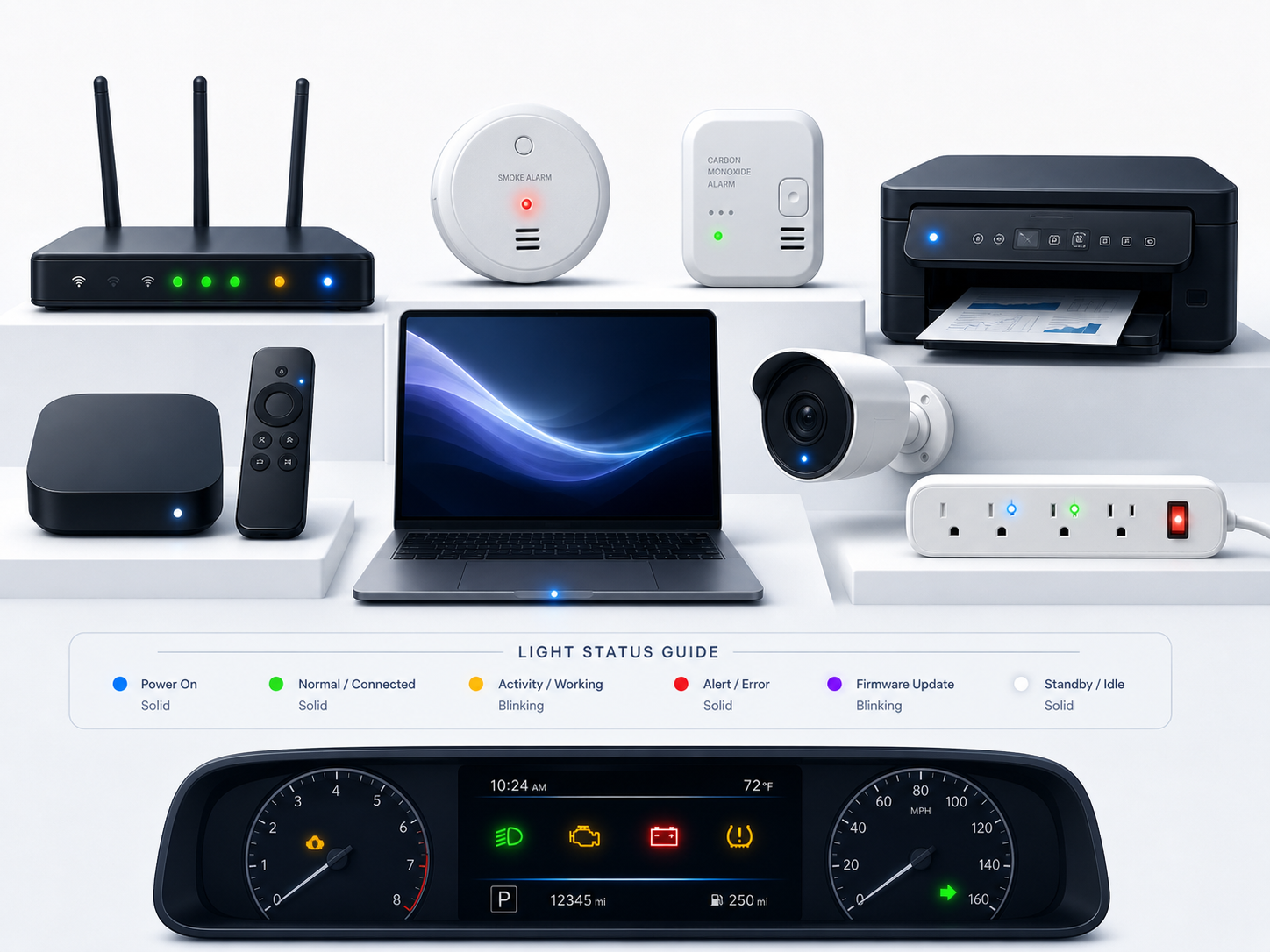
Light colors are not universal. A red light on a smoke alarm, router, car dashboard, charger, TV, or laptop can mean completely different things. Browsing by device type helps you avoid mixing up normal setup lights with warnings that need attention.
Still not sure what your light means?
Use the resources page to keep narrowing it down by color, blinking pattern, and device type.
Find more troubleshooting help