
Search tool
Find a light meaning
Search by device, brand, color, blink pattern, or warning type. Try searches like “router blinking orange,” “smoke alarm red light,” or “HP printer blue light.”
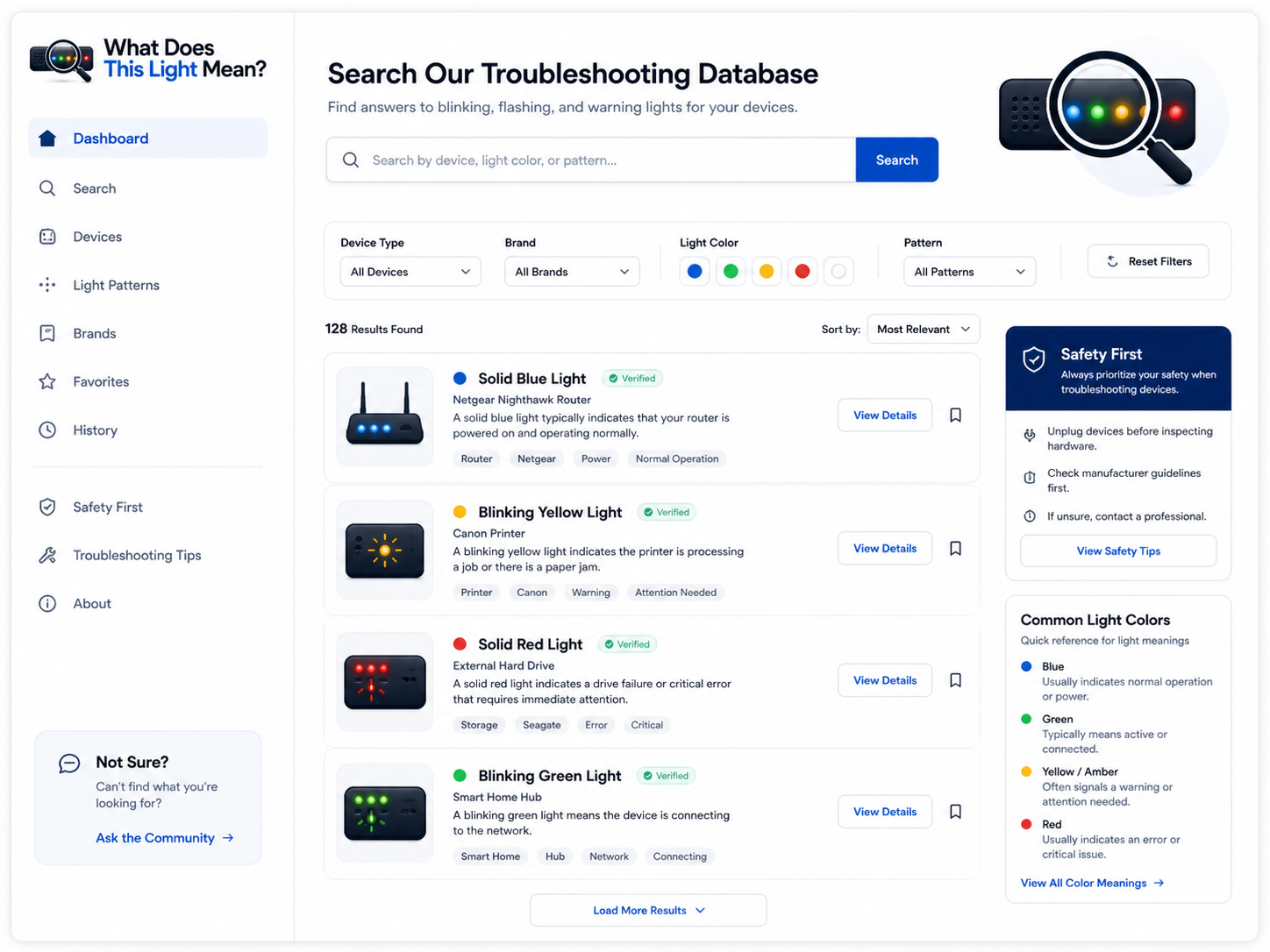
How to get the best result
The fastest way to decode a device light is to search with three details: the device, the color, and the pattern. For example, “router blinking orange light” is better than just “orange light.” “HP printer flashing blue light” is better than just “printer light.”
If you know the brand or model, include it. Many manufacturers reuse the same colors across different products, but the exact meaning can change by model, firmware, device generation, or the label printed beside the light.
Helpful search examples
- Netgear router blinking orange light
- HP printer flashing blue light
- Smoke alarm blinking red light
- CO detector red light
- Battery charger solid green light
- PlayStation blinking blue light
When to stop searching and act
If the light is part of a smoke alarm, carbon monoxide detector, vehicle dashboard warning, medical device, overheating battery, sparking device, or anything connected to fire, gas, or electrical danger, follow emergency or official manufacturer guidance first.
Still not sure what your light means?
Use the resources page to keep narrowing it down by color, blinking pattern, and device type.
Find more troubleshooting help